
Jin Kim Research
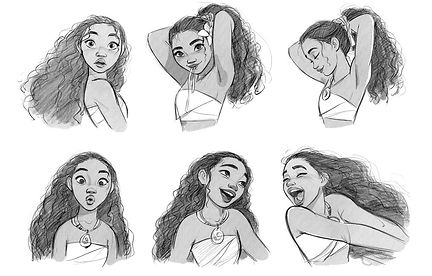

Jin Kim is a South Korean animator and character designer best known for his work for the Walt Disney Animation Studios from 1995 to 2016. He was the first Korean animator to work for Walt Disney Animation Studios.
In 2016, Hong Sung-ho, president of Locus Studios, persuaded Kim to return to South Korea to work as executive creative director of the Korean feature animated film Red Shoes (which premiered in July 2019). According to Hong, at that time, Kim had been left with nothing new to design because Disney was then focused on developing sequels rather than entirely new films. Kim was also happy to work with an animation team in the Korean language for the first time since a three-year period in the South Korean animation industry at the beginning of his career. In May 2018, Kim returned to Los Angeles to work on a Netflix animated film, Over The Moon. As of August 2019, Kim had joined a new project at Disney, Frozen 2.
His work as a character designer has inspired me for a long time. I find the way he draws facial expressions very interesting. His art and characters are stylized, but he makes them feel authentic and alive through his line flow, expressions and body language.


Although his style is simple, he is able to use varied shapes and forms for his subjects and especially their facial structure, thus always creating unique and easy to recognize characters.


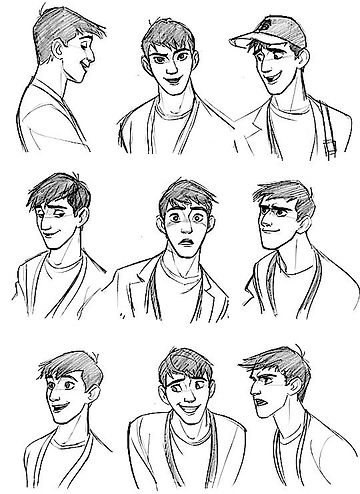

Jin Kim knows how to give each character their own personality simply through their looks, making the audience love the characters, relate to them, or dislike them. In his style, feminine characters usually have rounder shapes, sweet and friendly faces, whereas male characters can have either triangular or bulkier looking forms, big noses and smaller eyes. Villains fit a typology as well, having really sharp features that lets the audience know they are supposed to be evil, mean, way before they get to see their reactions and the way they act. Hans from Frozen is an exception, as he was designed to look just as innocent as Anna, but in the end proved to be evil, therefore his looks tricking and the reveal shocking the audience.

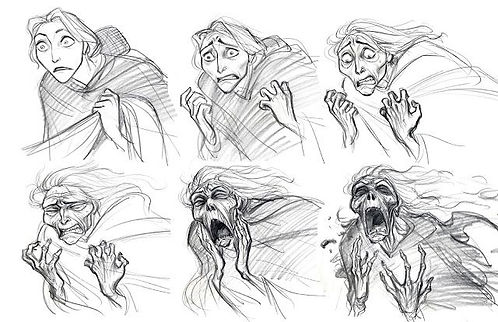


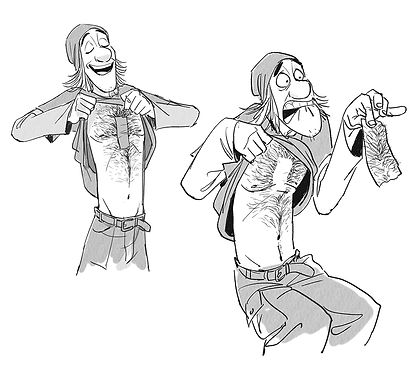
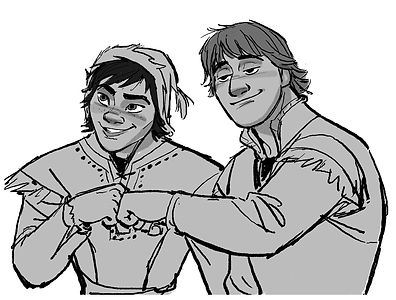

Everything mentioned above is what made me fall in love with his work and what I'm working towards improving into my own work as a character designer. Jin Kim has proved to be a great inspiration for me, among others, and will always make me look forward to his future projects and trying to learn from what he has done in the industry.
Short video of my drawing process
Camera layout and storyboard
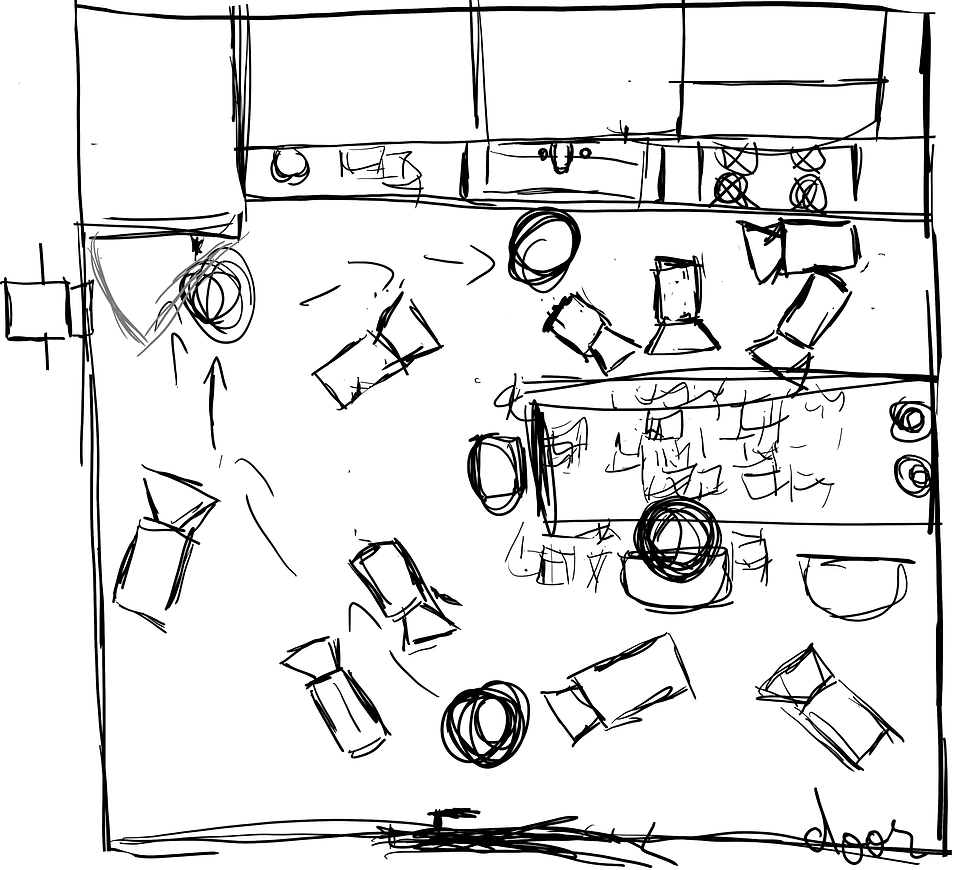
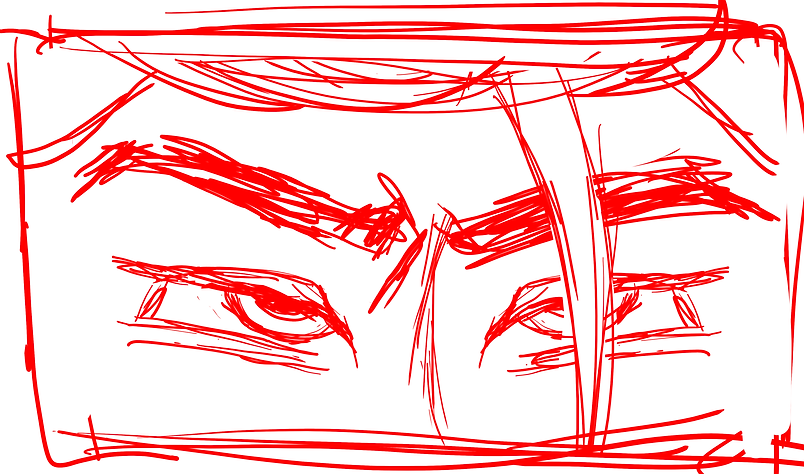
For this task we were asked to create a camera layout and a storyboard for one of the 3 given scripts. I have chosen the script for After the Trade by Trelan Jasmine Hylton, based on the fable Jack and the bean stalk.
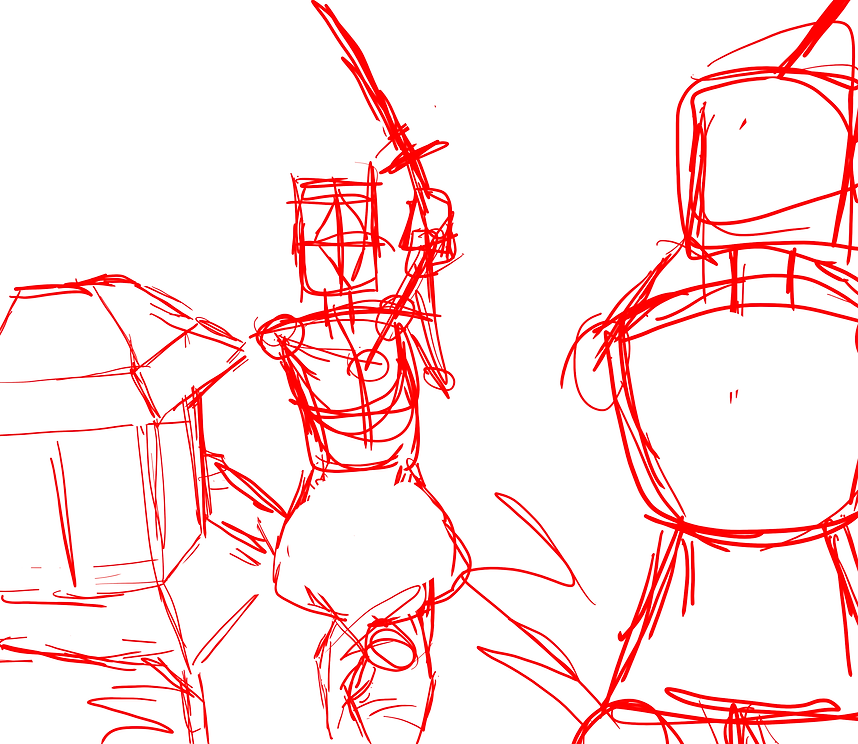
I started by designing the small kitchen as described in the script, then placing around the cameras, character and some major movement presented in the scene. After I had all that figured out, I started working on the frames for the storyboard.

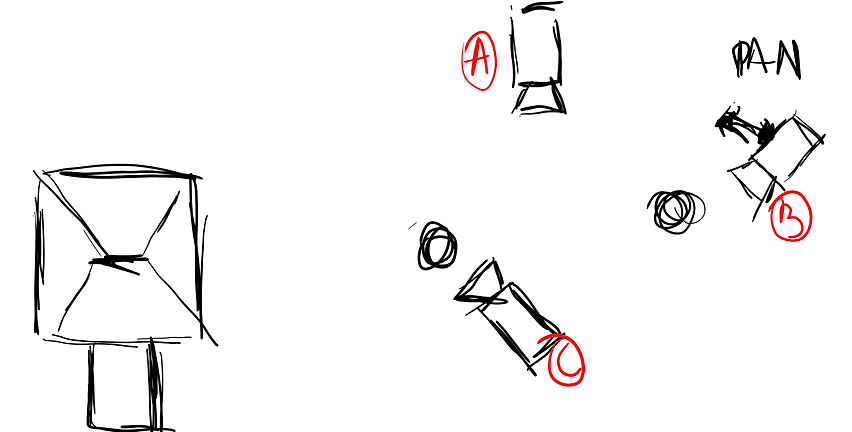
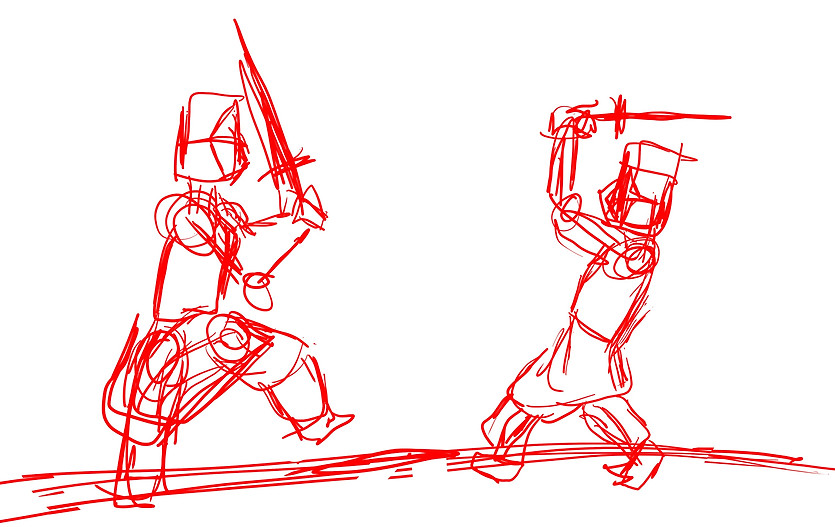
Scenario swap
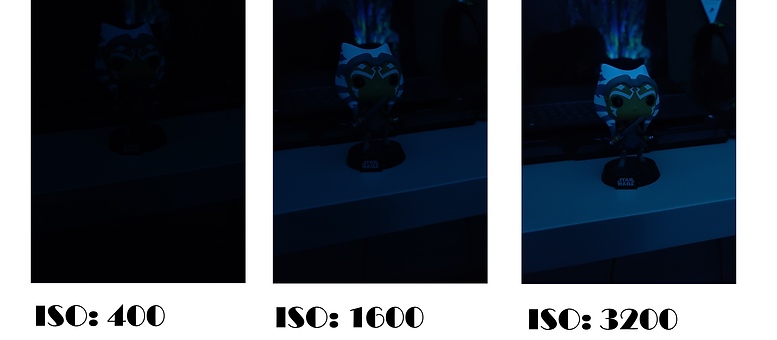
Understanding ISO, Aperture and Shutter speed
Shutter speed - the length of time a camera shutter is open to expose light into the camera sensor. This is usually measured in fractions of a second. Slow shutter speeds allow more light into the camera sensor and are used for low-light and night photography, while fast shutter speeds help to freeze motion.

Aperture - or iris, is a hole within the lens that lets the light travel into the camera's body. The larger the hole, the more light enters the body. This also controls the depth of field, the portion of the picture that appears to be sharp. If the aperture is very small, the depth of field is large, while if the aperture is large, the depth of field is small. In photography, aperture is typically expressed in “f” numbers, also known as “focal ratio”, since the f-number is the ratio of the diameter of the lens aperture to the length of the lens.

ISO - a way to brighten the photos if using longer shutter speeds or wider aperture is not possible. It is typically measured in numbers, a lower number representing a darker image, while higher numbers mean a brighter image. As the ISO rises, so does the visibility of graininess/noise in the images.
Picture story 1




shot 1
Medium Shot (MS) of 2 soldiers
shot 2
Long Shot (LS) of flag
shot 5
Tilt up of the lady
shot 3
Tilt down of soldiers
shot 4
Pan right of people
shot 6
Close Up of child
shot 8
Close Up of
soldier
shot 7
Close Up of
ruins
shot 9
Close Up of a soldier in the back
shot 10
Medium Long Shot (MLD) of
dead soldier
shot 11
Medium Shot (MS)
of person
shot 12
Medium Shot (MS) of
dead soldier
Picture story 2



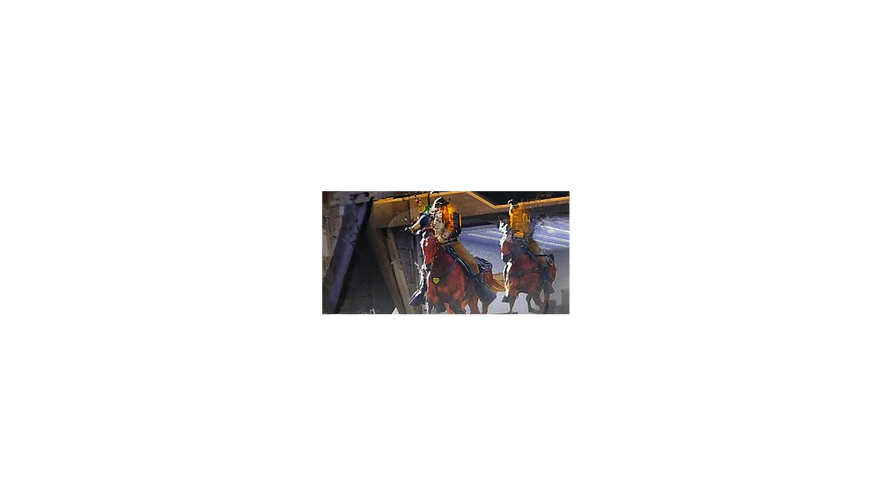


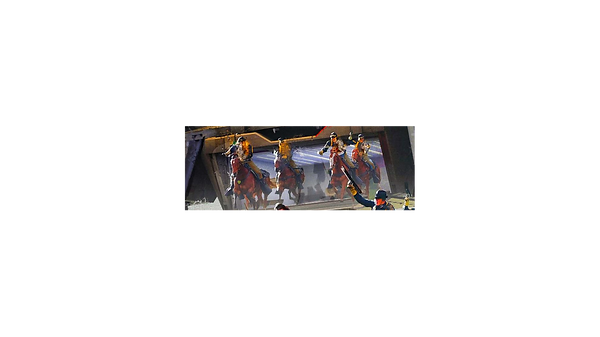
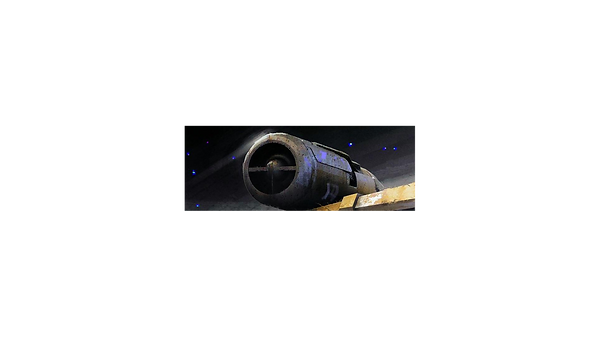
shot 1
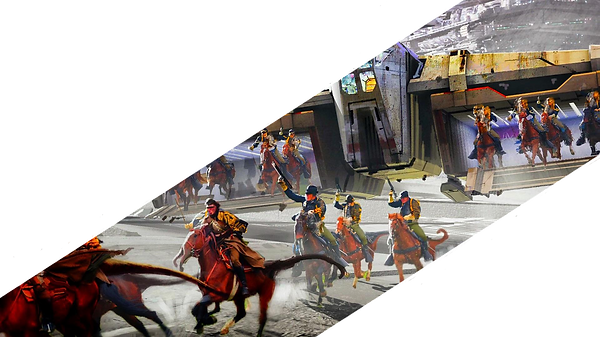
Extreme Close Up (ECU) of ship
shot 2
Extreme Close Up (ECU) of ship
shot 3
Close Up (CU) of Star Destroyer
shot 4
Long Shot (LS) of riders
shot 5
Tilt down of riders
shot 6
whatever this is
shot 7
Pan right of riders
shot 8
Long Shot (LS) of riders
shot 9
Extreme Close Up (ECU) of gun
shot 10
Close Up (CU) of person
shot 11
Close Up (CU) of person
shot 12
Extreme Close Up (ECU) of shadows
Picture story video
For this task we were asked to create a video using the pictures we had to crop out in order to tell a story. I have achieved this by using a bunch of sound effects and a background music and put everything together in Premiere Rush.
The Kuleshov effect
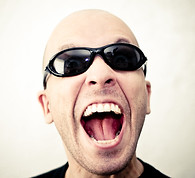

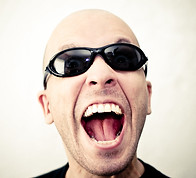
fear
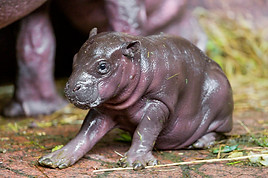
excitement


sadness

joy

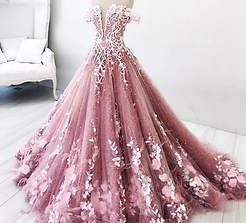

beautiful dress
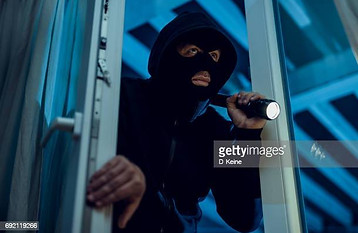
thief breaking in


the war is won
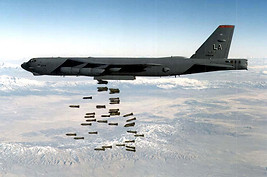
the war is lost
Mini-brief short proposal
For the mini-brief I chose option 3: 'Different Paths'. I intend to show a day in the life of a lonely droid named P-P that needs to quarantine because of a virus that corrupts droids like him.
Photographic storyboard mini brief
Describe your image

Describe your image

Describe your image
Animations
As we are learning how to animate, I created these 2 animations of a bouncing ball to explore timing, speed and the 12 principles of animation.
Basic questions for a storyboard artist
-
What is the story about?
The story is about how HOPe was built.
-
Who are the characters?
The characters are HOPe and a bunch of unnamed engineers and scientists working on her.
-
In each scene, what do they do or say?
HOPe doesn't say anything, but the others make comments on how her building is progressing. Their notes will be muffled, the buzz of the machines taking over the scene.
-
In each scene, which characters are in the background, middle ground and foreground?
Foreground - scientists and engineers
Middle ground - robotic arms building HOPe
Background - more scientists and engineers
-
In each scene, with whom are they in conflict?
There is no conflict in the animation, as it is intended to just show the way HOPe was brought to 'life'.
-
In each scene, where does the conflict take place?
Each scene is placed in a lab room.
-
In each scene, what intensity is demanded?
-
What should be the main light sources, for both interior and exterior?
The main light source will be the artificial white light created by all the lights in the lab.
-
Where will the key lights be positioned?
Above everyone, on the ceiling, but also on the walls.
-
In each scene, when are long, medium and close-up shots necessary?
The animation will have a couple of long, medium and close-up shots meant to show the viewers the environment and guide their eyes to important events taking place.
-
What kind of reflectors, filters, gels etc. are called for to create the mood?
-
What colors dominate each scene?
Each scene will be mostly dominated by cold colors such as white and blue.
-
What types of sets, costumes and make-up are required?
The make-up will be very natural. The costumes will be lab coats and robotic-looking limbs, as well as HOPe's standard suit,
Short storyboard
For this task we were asked to create a short storyboard based on one of the given scripts. I chose the script for Alien. In my storyboard, I aimed to capture the movement and the mood presented in the script, but also to design my own props, rather than using the already existing ones from the franchise.

Critical Analysis

Animation pitch
For the last project of the year, I decided to take my child's dream idea from the last semester a step further ahead to completion. My animation is intended to show the development of how HOPe was built. It’s to be treated as a prologue cutscene for the game idea I worked on last semester.
The characters present in the animation will be HOPe and a bunch of scientists and engineers building her. The setting of the animation will be a lab, full of machines, spare parts. The dominant colors will be white and pale blue, giving the viewers the sensation of a clean, immaculate, sterile space where all kinds of sciency stuff happened for a long time. It also feels cold, metallic, mechanic, emotionless, robotic.
As she is built, HOPe somehow starts developing faint human emotions and feelings. She will hide them and act cold, like the machine she is, well knowing she’s not supposed to feel what she’s feeling and that it won’t help her in her mission to save the world. She can hear some of the child’s words as the brain is inserted in her head.
The animation will start with a fade in and an extreme longshot of the lab. Scientists and engineers will be the closest to the camera, blurred and appearing as dark figures, with little details to them. Furthest from the camera will be the machines building HOPe. The scientists are talking, although everything is muffled, the sound of the machines buzzing taking over the scene. The camera will zoom in, focusing on HOPe.
Animation storyboard
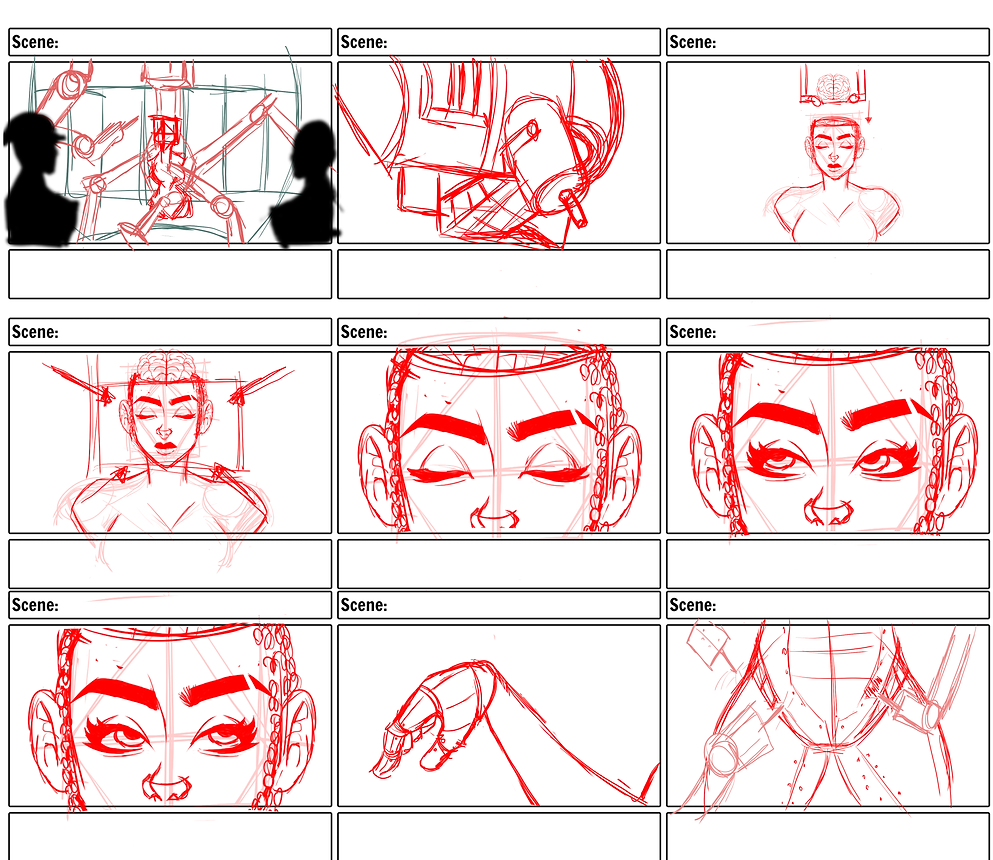
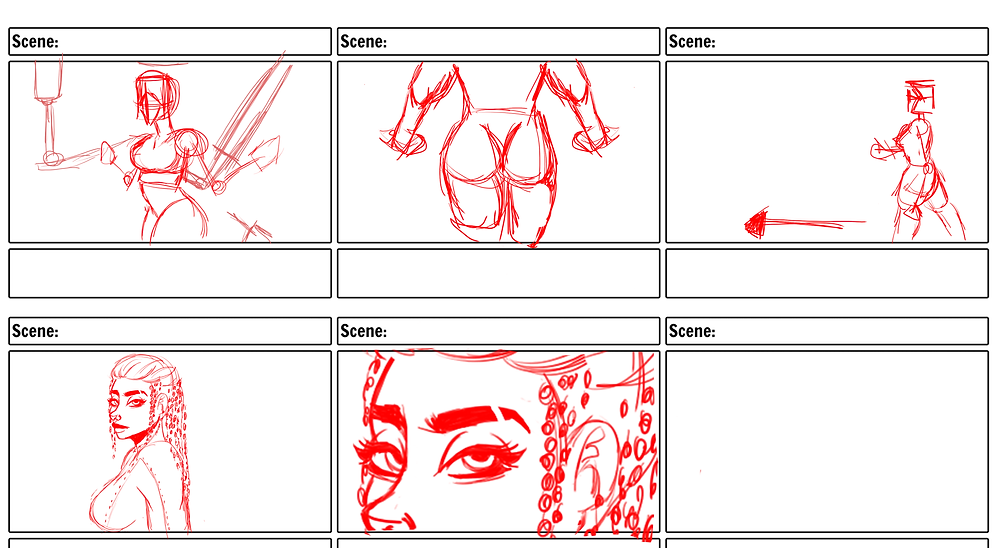
As I was refining the panels for the final animation in Adobe Photoshop, I've decided to add some additional images to her movement, especially the blinking, such as drawings of her eyes half-open and so on. Once I was happy with all the panels, I decided to bring everything together in Adobe Premier Rush and make a blinking test animation.

Then I added even more frames to the blinking to make the movement even more realistic... And added a sound just for funzies...
Final Animation
SOUN EFFECTS:
Crowd talking - https://www.youtube.com/watch?v=IJQdnHT3MCA&t=8s
High Tech Interface Sounds - https://www.youtube.com/watch?v=PuSaY5s_H-0&t=11s
Robot Code Sound - https://www.youtube.com/watch?v=Bemyzv9i24U
Footsteps SFX - https://www.youtube.com/watch?v=dnRX_bHbYgs&t=1s
Machine SFX - https://www.youtube.com/watch?v=0VAtEI1-jbs
High to Low Sweep SFX - https://www.youtube.com/watch?v=AFoP9VftBN4